
Online reservation guide
How to Prebook Sydney Airport Parking
A reservation locks in a space and a rate for your travel dates. This guide walks through the booking flow, where drive-up still works, and how to handle an overstay before the exit barrier.
What prebooking gives you
A reservation locks in a space and a rate for your travel dates. You get a booking reference and, in many cases, a number-plate link so the gate recognises your car on arrival. That removes the gamble of a full car park on a peak morning and gives you a document to point to if anything needs sorting later. It also makes extending a stay simpler, because the change happens on your booking rather than at the barrier.
A space held for you
Chosen before you leave home, not found on the day.
A reference on hand
Something to quote if a gate or a query needs sorting.
Easy to extend
Changes happen on the booking, not at the barrier.

Drive-up vs prebook, honestly
Drive-up parking still exists at Sydney Airport, and for an unplanned trip it works fine. The catch is availability and price. On a quiet Tuesday you will find a space and pay the day rate. On the Friday before school holidays, the closest car parks fill and you take what is left. Prebooking is the planning tool; drive-up is the fallback. If your dates are fixed, book. If they are not, know that you are trading certainty for flexibility.
One practical habit sits in the middle: check the day rate before you decide you are better off winging it. Airport parking rates for drive-up entry are set at the car park and change with demand, so a spontaneous arrival on a peak weekend can cost more than a booked space for the same hours.
Booking reference
Save the confirmation somewhere you can reach it without mobile signal: a screenshot in your photo album works. Staff at the gate can read a reference from a screen.
How the booking flow works
Five steps from a car park choice to a barrier that lifts. Read the sequence once before travel day and check-in takes minutes.
-
Step one
Choose your car park
Pick by terminal first, then by the kind of space you want.
-
Step two
Enter your dates
Arrival and departure times set the window the barrier expects.
-
Step three
Confirm your vehicle
Plate details matter where number-plate recognition does the entry.
-
Step four
Save the rate and reference
The platform returns both. Keep a copy off your email client.
-
Step five
Drive in and park
Let the gate read your plate, note your level, head to the terminal.
Choosing the right car park
The booking flow starts with a car park choice, so decide by terminal first. T2 or T3 travellers are looking at P2 and P3 in the domestic precinct. T1 international travellers use the international car parks. Long-stay domestic trips can consider Blu Emu and its shuttle. If you pick by price alone before checking the terminal, you can end up with a longer transfer than you wanted.
Domestic precinct, dome marked. Long-stay domestic trips can consider the shuttle lot instead.
Decide in this order
Terminal first: which one are you flying from?
Stay length second: a week or a long weekend?
Car park third: walk-in space or shuttle lot?

The overstay problem
Overstays are the most common parking complaint, and they come from a mismatch between your booked window and your actual return. Flights get delayed; plans shift. The fix is to extend before you exit, not after. Your booking is the record of what you paid for, so a few minutes of admin on the platform is cheaper than an overstay charge at the gate. ANPR cameras log entry and exit times, so the discrepancy is automatic.
Return delayed
A late flight pushes your exit past the booked window.
Extend first
Update the booking through the platform before you reach the gate.
Entry and exit logged
Number-plate cameras record the real times, so nothing hides.
Keep the reference
It is the document staff work from if a barrier holds you.
Changes, cancellations and flexibility
Flexibility depends on what you booked and through whom. The airport platform and off-airport operators set their own change and cancellation rules, so read them before you commit to a non-refundable rate. If there is any chance your dates move, a flexible booking is worth the difference. If your plans are rock solid, a fixed booking usually costs less. Either way, know the rule before you need it, not after.
A useful habit when you compare rates: read the change and cancellation line before you read the price. Two options that look a few dollars apart can behave very differently if your return date shifts, and the difference only shows up when you try to move the booking.
Questions on a specific booking? Use the contact page and quote your reference.
Arriving and leaving smoothly
Give yourself a buffer on arrival. If you are walking in at P2 or P3, add ten minutes for parking and the walk. If you are using a shuttle lot, add the transfer wait. On return, collect the car the way you left it and drive to the exit, where the system matches your plate to the booking. If the barrier does not lift, the confirmation reference is what staff need to sort it. Keep it accessible until you are through.
Check the FAQ
Walk-in entry
Add ten minutes for the park and the walk to the terminal door.
Shuttle lot
Add the wait for the next transfer on top of your park time.
Exit barrier
The system reads your plate. If it does not lift, quote the reference.
A prebook checklist
Read this once before you commit and again on the morning you leave. It covers both self-park and valet bookings at the airport.
Confirm your terminal and flight time before you open the booking page, because the terminal decides the car park.
Check which car park sits closest to that terminal, and whether a walk-in space or a shuttle lot suits the trip.
Read the change and cancellation rules for the rate you are considering, and decide whether flexibility is worth the difference.
Book, then save the confirmation somewhere you will find it without mobile signal at the car park.
On travel day, arrive with a buffer, park as directed, note your level. On return, extend before you exit if you have overrun.

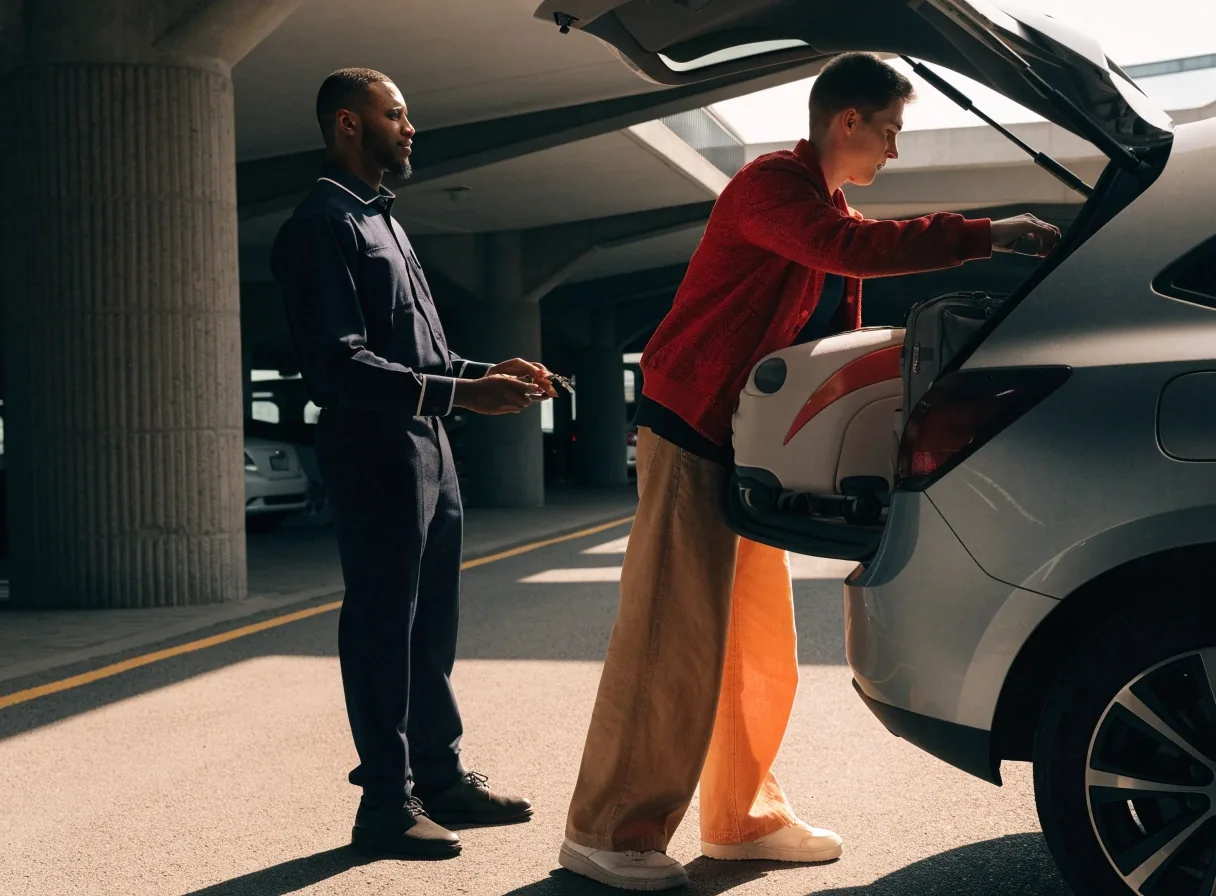
Valet bookings follow the same reservation flow; the handover simply happens at the drop-off lane instead of a bay.
Questions travellers ask
Short answers to the four points that come up most often about airport parking bookings.
Is prebooking cheaper than drive-up?
Not always, but it locks in a rate and a space. Drive-up means paying the day rate and taking whatever is available, which is riskier on peak days.
What happens if I overstay my booking?
Extend your booking through the platform before you exit. ANPR cameras log entry and exit times, so an unextended overstay shows up automatically at the barrier.
Can I change my booking after I make it?
Change and cancellation rules depend on the rate you chose and the operator. Read the terms before booking if your dates might move.
Do I need a ticket to enter?
Many bookings use number-plate recognition instead of a physical ticket, so keep your confirmation reference handy in case the gate needs it.
Where to next
Ready to reserve your space
Pick your car park by terminal, check the rate and the change rules, and keep the confirmation where you can reach it on the day. If anything is unclear, the practical pages below answer most of it.